Check statuses of current withdrawal requests

Check statuses of current withdrawal requests

You can access the list of current withdrawal requests by clicking on the Withdrawal Requests button on the Balances page.
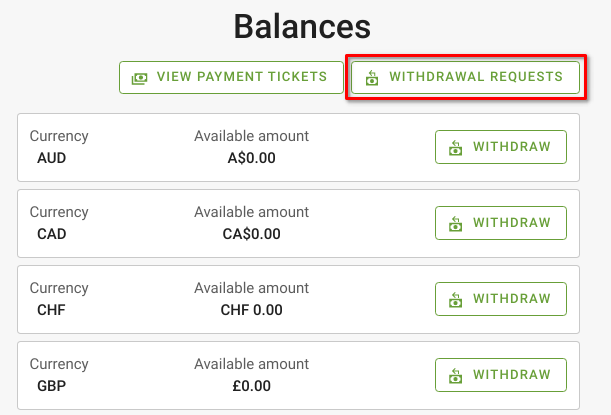


The Withdrawal Requests page lists the withdrawal requests along with their amount, statuses, date of creation. You can click on each request’s reference number to go to its respective details page. 


    • Related Articles

    • Check your current balance

      You can view your current balance under the Balances page. The reflected balance amount will be from completed shipments and you can request to withdraw this amount at any point of time*, in addition to the monthly automatic withdrawal.  *Multiple ...
    • Raise a withdrawal request manually

      A withdrawal request can be submitted for the current balance amount to be transferred to your account.  To do so, on the Balances page: Click on “Withdraw” for the respective currency that you would like to withdraw. Check the withdrawal amount that ...
    • Understand different order statuses

      There are three statuses shown for each order - the main status, payment status, and shipping status. This section explains what each status and its values’ mean. Main status The order’s main status lets you know how far an order has been processed, ...
    • Reset email address/ password

      Change your email address Under Profile page, enter your new email address and click Save. Enter your current password on the next page then click on Continue. A confirmation email will be sent to the new address. Click on the confirmation link to ...
    • Managing Orders

      Processing New Orders Once you have a new order, check the order details and edit the order accordingly: Edit[1]: Use this to edit the fields of each order item individually Add Product[2]: Add new items you wish to have the Merchant consider for the ...